
Proxmox VE (Virtual Environment) is an open-source virtualization platform. It integrates KVM (for VMs), LXC (for containers), native clustering, snapshots, backups, replication, web-based management and support for Ceph for distributed storage.
If you’re looking for a genuine alternative to VMware or Hyper-V, you’ll find everything you need here to work in a professional environment.
How Proxmox Virtual Environment works
Each Proxmox node is a bare-metal host running Debian. You can use it as a standalone system or create a cluster with multiple nodes. The interface allows you to:
- create and manage KVM virtual machines
- use LXC containers for lightweight environments
- configure storage: ZFS, Ceph, NFS, iSCSI
- create backups, snapshots, and replication jobs
- manage high availability (HA)
- migrate virtual machines (VMs) between nodes, even while they are running
The web UI is lightweight and functional, and allows you to do everything without a shell, although those working at scale will find the REST API or integration with tools such as Zabbix, PBS, and Ansible useful. And when it comes to high availability, with integrated Ceph and a minimum of three nodes, you have a true hyperconverged infrastructure, with native HA and distributed storage.
An example of a Proxmox cluster
In 2023, we migrated a manufacturing company from a VMware infrastructure, with two hosts and a NetApp SAN, to a Proxmox HCI cluster.
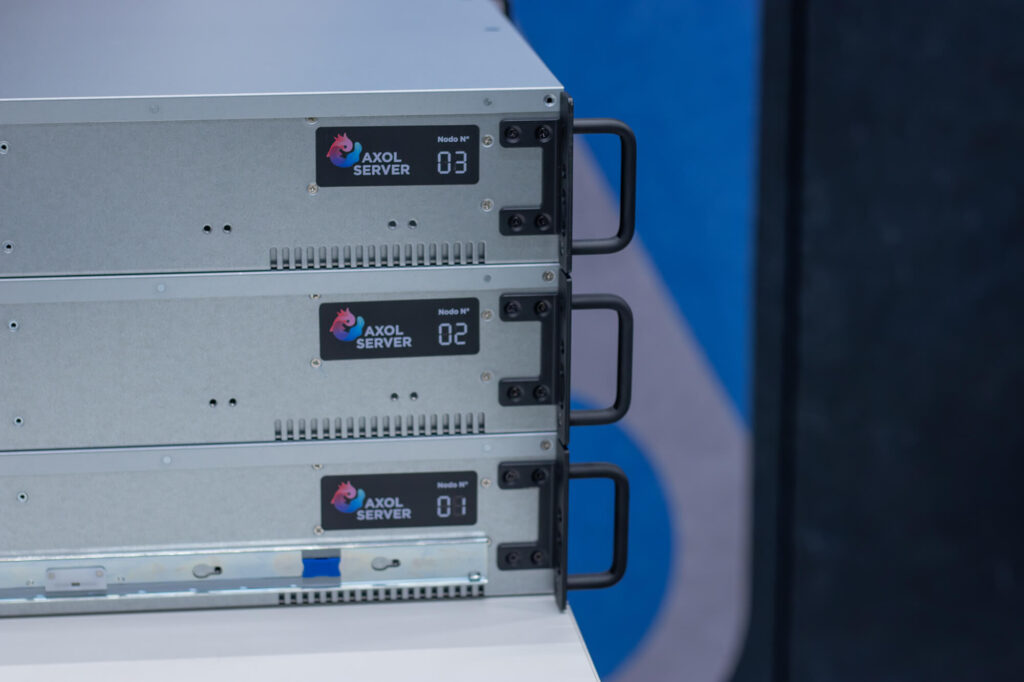
- Hardware: three Supermicro nodes, dedicated 10GbE network, distributed Ceph, and 45 VMs (file servers, business management systems, SQL servers, and virtual desktops).
- Setup time: 5 days, with no significant downtime.
- Results after 12 months: zero major outages, costs reduced by 35%, and average performance improved by 27%.
Why use Proxmox VE in hyperconverged environments
Proxmox natively supports HCI, or hyperconverged infrastructure (read the HCI guide). All you need is at least three nodes and a reliable network to set up a distributed cluster in which each node provides compute and storage resources, thanks to Ceph.
Key benefits:
- native redundancy (automatic failover)
- linear scalability (add nodes without redesigning)
- high-performance, replicated and self-healing storage
- a centralized interface, accessible from anywhere
We have already installed over 65 HCI clusters using Proxmox: they work reliably, are well-documented, and can be managed by in-house IT teams.
When to choose the Proxmox open-source hypervisor
Proxmox is the right choice for many organizations, especially if you find yourself in one of the following situations:
- you want to move away from VMware or are tired of ever-increasing subscription costs
- you manage clusters ranging from two to many nodes, on-premises or in a colocation facility
- you need centralized HA, replication and backups
- you need scalability, but also complete control
- you want an open, well-documented and flexible technical stack
- you work in environments where cost and control are key considerations
What if I wanted to set up an HCI cluster?
You can. With at least three nodes and a dedicated Ceph network, you can create a fully-fledged hyperconverged cluster. Each node contributes CPU, RAM and storage (Ceph OSDs), all orchestrated via Proxmox. Replication, resilience, self-healing. All with hardware assembled directly by AXOL Server at our offices in Ivrea (Turin), in the former Olivetti factory, and in Lomazzo (Como).
FAQ
Is Proxmox stable in a production environment?
Yes. It is used by service providers, businesses, public-sector organizations, and IT firms in mission-critical environments. With a stable network and reliable storage, it is fully production-ready. Take a look at some case studies.
How do I choose the right hardware for Proxmox?
You can do this yourself using our free online configurator: just follow a few guided steps to select your CPU, RAM, storage, networking, and additional services. Once you’ve finished, you can request one hour of free consultation with one of our expert Proxmox systems engineers to review the configuration together and tailor it to your specific needs. No obligation, just practical technical support.
Can I use it even if I’m not familiar with Linux?
Yes, the interface is user-friendly. But having a good understanding of Debian and ZFS is a great help when it comes to advanced configurations.
Do you offer certified Proxmox support?
Of course! AXOL Server is Proxmox-certified. We offer a range of technical support packages, designed to assist you in every way.
Where can I buy Proxmox VE and Proxmox Backup Server subscriptions?
Directly from AXOL Server. Choose the Proxmox VE or Proxmox Backup Server subscription that best fits your needs, either when purchasing a server cluster or as a standalone option. See Proxmox subscription costs.